oligomer
Manual
The following describes the method implemented in OLIGOMER, details of the command-line arguments and options, the dialog prompt as well as the required input and the produced output files.
Introduction
OLIGOMER estimates volume fractions in mixtures by fitting an experimental SAXS/SANS data with a linear combination of component form factors. The model is
\[I(s) = \sum_{k=1}^{K} w_k\, I_k(s),\]where the unknowns are volume fractions \(w_k\) and the inputs are the component intensities \(I_k(s)\). Fractions are obtained by solving a linear least-squares problem (nonnegative or unconstrained), minimizing the discrepancy between experimental and calculated intensities.
Component form factors can be computed from structures individually using CRYSOL or CRYSON, or assembled from a number of inputs via FFMAKER (recommended).
In addition to form-factor, OLIGOMER reads contrast information from the headers of form-factor files when present. If no contrast is provided, fractions are reported without contrast normalization, otherwise OLIGOMER accounts for it to properly normalize fractions, which is most relevant for heterogeneous mixtures (protein–DNA/RNA).
Further, a single linear equality relation between the fitted fractions may be enforced. Information about this can be passed via the form-factor file as well.
Running oligomer
Command-Line
Usage:
$ oligomer [OPTIONS] <FILE(S)>
OPTIONS known by OLIGOMER are described in the next section, the required argument FILE(s) in the section on input files.
Arguments and Options
OLIGOMER accepts the following command line arguments:
| Argument | Description |
|---|---|
| FILE(S) | One or more experimental experimental SAS data (.dat) or regularised SAS data (.out) files. |
Absolute and relative paths are accepted. One argument may be ‘-‘ to read experimental data from stdin.
OLIGOMER recognizes the following command-line options:
| Short option | Long option | Description |
|---|---|---|
| --ff <FILE> | Path to the form-factor file. | |
| --fit <FILE> | Write calculated fit to FILE. | |
| -u | --unit=<u|1|2|3|4> | Define angular units of the experimental SAS data (.dat) or regularised SAS data (.out) files. |
| --smin <VALUE> | Minimum s-value to include (in \(\AA^{-1}\)). | |
| --smax <VALUE> | Maximum s-value to include (in \(\AA^{-1}\)). | |
| --out <FILE> | Name of the log output file (default: oligomer.log). | |
| --svd | Perform SVD analysis for multiple datasets (e.g., series over concentration, pH, time, etc.). | |
| --compar | Comparative analysis over all combinations of components to identify significant contributors. | |
| --cst | Add a constant as an extra component (background correction). Default value chosen from the form-factor file; tunable in interactive mode. | |
| --ws | Overwrite the output log (default is append). | |
| --brief | Print a brief, single-line summary per dataset in the log. | |
| -v | --version | Print version information and exit. |
| -h | --help | Print a summary of arguments, options, and exit. |
Note: When fitting multiple datasets with different starting s-values and without --smin, OLIGOMER uses the maximum of the starting s-values across datasets. When --smin is provided, all datasets are taken starting from the specified value. Without --smin, the full range of each dataset is used.
Interactive Configuration
An interactive answers file (.ans) may be used to record and replay configurations, enabling repeatable runs without re-entering parameters.
OLIGOMER reads experimental data and form-factors (both should be in ASCII format). After starting OLIGOMER you may specify:
| Prompt | Possible value(s) | Default value | Description |
|---|---|---|---|
| Program option | 0 | 1 | 0 | option 0 - permits to run OLIGOMER for multiple data sets using one form-factor file, option 1 - permits to use multiple form-factor files for fitting one data file. |
| Input data, form-factor file name | filename | ff.dat | Input file should contain intensity values from at least one component. It can be prepared by FFMAKER program from *.pdb, *.dat and *.out (GNOM) files or manually by composing the following columns: 1st column - s-axis, 2nd column - intensity from component 1, 3rd column - intensity from component 2 etc. |
| Use constant as additional component | Y | N | N | if ‘Yes’ - additional constant component will be added, that permits to improve the fit at higher angles, if required |
| Calculated MW and Rg | X1,X2 | var | default values are estimated from form-factor intensity curves |
| Experimental data file name | filename | lys.dat | The name of the file containing the experimental SAXS profile from multicomponent system |
| Angular units in the input file : 4pisin(theta)/lambda [1/angstrom] (1) 4pisin(theta)/lambda [1/nm ] (2) 2* sin(theta)/lambda [1/angstrom] (3) 2* sin(theta)/lambda [1/nm ] (4) | 1-4 | 1 | Formula for the scattering vector in the data file and its units. |
| Range for evaluation of scattering | X1,X2 | var | default values are estimated from the full-range of experimental data file |
| Use of non-negativity condition | Y | N | Y | if ‘Yes’ - the volume fractions values will be required to be positive |
| Output fit file | filename | *.fit | by default: experimental file name + .fit extenstion. |
| Plot the result | Y | N | Y | if ‘Yes’ - the fit curve and exp. curve will be plotted |
| Process another data set | Y | N | Y | if ‘Yes’ - the fitting procedure can be repeated for another data set. |
Runtime Output
OLIGOMER reports the selected s-range and unit mode, whether non-negativity is enforced, the discrepancy/chi-square, the estimated average MW and Rg of the mixture, and the best-fit volume fractions with uncertainties for each component.
Graphical Interface
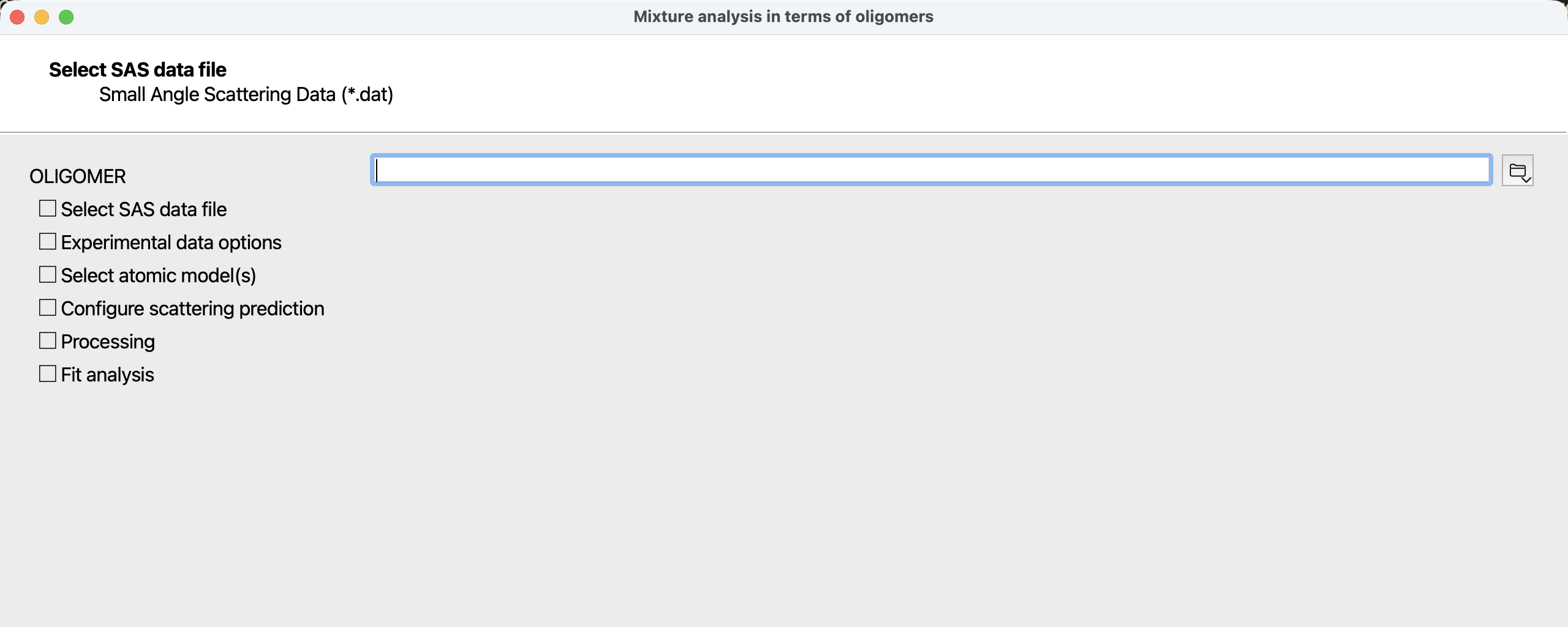 Figure 1: first page of the OLIGOMER wizard when started from the ATSAS Application Launcher.
As an alternative to usage from the command-line, OLIGOMER may also be run as a wizard from the ATSAS Application Launcher.
This graphical interface allows convenient configuration of the arguments and options outlined in the command-line section. In addition, the wizard allows to either provide an existing form-factor, file or to generate one from available atomic models via FFMAKER. After completion of all calculations, the fits can be inspected and the output files saved.
oligomer Input Files
Experimental data
OLIGOMER requires background-subtracted experimental SAS data (.dat).
Form-factor file
OLIGOMER requires a form-factor file in that provides calculated or experimental intensities on a common grid. It is recommended to use FFMAKER to compile a form-factor file.
The first column corresponds to the common s-value, the second is the first form-factor and the third column the second form-factor, etc.
The experimental and form-factor files may have different s-grids and lengths.
Component data should be normalized so the \(I(0)\) of all form-factors is proportional to the molecular weight squared (or to the total scattering length squared). For experimental data, one may use PRIMUS or DATOP to scale data as needed.
If assembled from calculated SAS intensity data (.int) files created by CRYSOL, use the second column of the calculated form factors; FFMAKER used with atomic models as input does this automatically.
FFMAKER and OLIGOMER may exchange information on contrasts as well as volume and number fractions through the form-factor file:
- if atomic models are used, contrasts are calculated by CRYSOL/FFMAKER; these values should be reviewed and may be adjusted by the user as appropriate, in particular in heterogeneous systems, e.g., protein–DNA/RNA mixtures.
- linear relations between fractions may be supplied via the
--constrainoption of FFMAKER. The contents of the supplied file are added as key–value data to the form-factor file and interpreted by OLIGOMER. See FFMAKER and the related example.
oligomer Output Files
OLIGOMER writes a log file and, optionally, a fit file. By default the log is oligomer.log or as specified with --out. If the file exists, results are appended unless --ws is given.
         ***   O L I G O M E R ***
================================================================================
                                              01-Sep-2009   17:26:17
 Option 0: a set of form-factors and several sets of experimental data
 Form-factor file              test.dat
 Real oligomer weights          20849   58193
 Oligomer radii of gyration    22.57  34.37
 Experimental data file        Merge00.dat    Range of Scattering angle:    0.02    0.27
 Using non-negativity condition
 Output file                   Merge00.fit
 ChiSquare     <MW><Rg>        Volume fractions +- errors
--------------------------------------------------------------------------------
Merge00.da    2.17      52869     33.82      0.143+-0.004  0.857+-0.002
================================================================================
If the brief --brief option is used only a single summary line is written per dataset.
If --svd (singular value decomposition analysis) is used, the
following files - Ncomp.log, S.dat, U.dat and V.dat are created, they
contain information about the singular values (s.dat), singular vectors
(u.dat and v.dat) and statistical estimation of the number of components
(Ncomp.log) obtained from singular value decomposition of the experimental
data series in the particular angular range defined by the -smin and -smax
options.
If --compar option is used, OLIGOMER will calculate the fits and the volume
fractions for all possible combinations of the form-factor components. The
output file oligomer.log will contain this information in the form of the table
where the missing (non-present) components will be denoted as ‘N/A’ (below you
can see an example of oligomer.log with four components). One can use these
results to determine the most significant components present in the mixture.
     ExpData         chi       <MW><Rg>   monomer.pdb   dimer.pdb     tetramer.pdb  octamer.pdb
    atx1_021.dat    2.68       3912     28.34  0.214+-0.001  0.656+-0.002  0.130+-0.001  N/A  +-  N/A
    atx1_021.dat    2.68       3912     21.26  0.214+-0.001  0.656+-0.002  0.130+-0.001  0.000+-0.000
    atx1_021.dat    3.83       4026     25.63  0.170+-0.001  0.783+-0.001  N/A  +-  N/A  0.047+-0.000
    atx1_021.dat    4.67       4128     18.62  N/A  +-  N/A  0.926+-0.001  0.074+-0.001  N/A  +-  N/A
    atx1_021.dat    4.67       4128     24.61  N/A  +-  N/A  0.926+-0.001  0.074+-0.001  0.000+-0.000
    atx1_021.dat    4.96       3690     18.80  0.097+-0.001  0.903+-0.001  N/A  +-  N/A  N/A  +-  N/A
    atx1_021.dat    4.97       4157     18.70  N/A  +-  N/A  0.972+-0.001  N/A  +-  N/A  0.028+-0.000
    atx1_021.dat    5.34       3874     18.92  N/A  +-  N/A  1.000+-0.000  N/A  +-  N/A  N/A  +-  N/A
    atx1_021.dat   10.53       3939     17.29  0.632+-0.001  N/A  +-  N/A  0.368+-0.000  N/A  +-  N/A
    atx1_021.dat   10.53       3939     40.50  0.632+-0.001  N/A  +-  N/A  0.368+-0.000  0.000+-0.000
    atx1_021.dat   16.76       4302     17.42  0.808+-0.000  N/A  +-  N/A  N/A  +-  N/A  0.192+-0.000
    atx1_021.dat   25.50       7294     16.47  N/A  +-  N/A  N/A  +-  N/A  1.000+-0.000  0.000+-0.000
    atx1_021.dat   25.50       7294     18.92  N/A  +-  N/A  N/A  +-  N/A  1.000+-0.000  N/A  +-  N/A
    atx1_021.dat   28.66       1984     18.92  1.000+-0.000  N/A  +-  N/A  N/A  +-  N/A  N/A  +-  N/A
    atx1_021.dat   43.25      14023     18.92  N/A  +-  N/A  N/A  +-  N/A  N/A  +-  N/A  1.000+-0.000
Fit file
When --fit is provided, OLIGOMER writes a fit to calculated data (.fit) file.
Examples
Basic fit
Fit a single dataset using a form-factor file; units of the experimental data in \(nm^{-1}\):
$ oligomer --ff form-factors.dat --un=2 data.dat
Using constraints
Enforce equal volume fractions for components 1 and 2 (V1 − V2 = 0), with three components present.
$ cat constraints.txt
VolumeFractionConstrains: 1.0  -1.0  0.0

$ ffmaker --constrain=constraints.txt ... -o form-factors.dat
$ oligomer --ff form-factors.dat --smin 0.02 --smax 0.3 data.dat
SVD across multiple datasets
Estimate the number of significant components in a given s-range:
$ oligomer --ff form-factors.dat --svd --smin 0.02 --smax 0.3 series_*.dat
Comparative component selection
Evaluate all combinations to identify the minimal component set explaining the data:
$ oligomer --ff form-factors.dat --compar data.dat