glycosylation
Manual
The following sections briefly describe the method implemented in GLYCOSYLATION, how to run GLYCOSYLATION from the command-line and describe the required input and the produced output file.
Introduction
GLYCOSYLATION adds glycan groups to asparagine (ASN) or serine (SER) residues of protein structures. The glycan groups are selected from a database of 50 precomputed structures found on glycosylated proteins ranging from 320 to 6820 Da. The structures were generated using Sweet2 which models the 3D structure of saccharides.
The program can be run automatically, where the residues and glycan structures are determined by the program, given the number of glycans to be added and the total molecular weight of the glycans.
Alternatively, expert mode can be used to specify exactly which glycan goes to which residue. This mode offers no detection of buried residues. NOTE: Only ASN residues are considered in the automatic mode.
Running glycosylation
Command-Line
Usage:
$ glycosylation [OPTIONS] <MODEL>
GLYCOSYLATION accepts absolute as well as relative paths to the atomic coordinate MODEL in .pdb or .cif format.
Arguments and Options
GLYCOSYLATION recognizes the following command-line options. Mandatory arguments to long options are mandatory for short options too.
| Short Option | Long Option | Default | Description |
|---|---|---|---|
| --seed=<INT> | Set the seed for the random number generator | ||
| -k | -keepASN | False | (optional) whether to keep the ASN residue from the glycan structure. This means there will be an additional amino acid residue to the corresponding protein residue. This is meant to be used for modeling the glycan as a separate rigid body. |
| -n | -nsugars=<number of glycans> | N/A | The number of glycans to be added to the structure. |
| -m | -mw=<total molecular weight> | N/A | The total molecular weight of the glycan groups to be added. |
| -e | -expert | N/A | Run in expert mode. NOTE: only the number of glycans needs to be specified at the command line, not the MW. |
| -o | --output=<FILE> | Write output to FILE. The output format depends on the FILE extension, supported are .pdb and .cif. | |
| -v | -version | N/A | Print version information and exit. |
| -h | --help | N/A | Print a summary of arguments, options, and exit. |
Graphical Interface
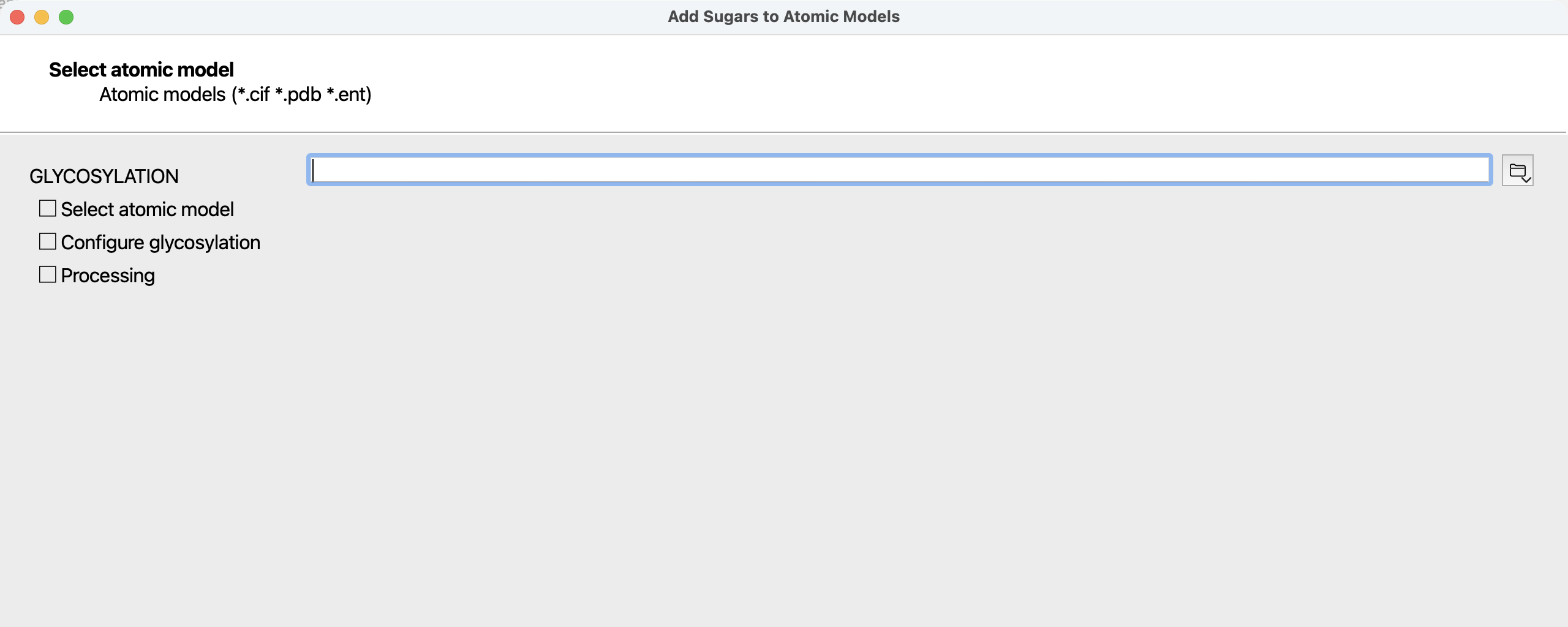 Figure 1: first page of the GLYCOSYLATION wizard when started from the ATSAS Application Launcher.
As an alternative to usage from the command-line, GLYCOSYLATION may also be run as a wizard from the ATSAS Application Launcher.
This graphical interface allows convenient configuration of the arguments and options outlined in the command-line section. After completion of the calculations, the produced output files can be saved.
Note that the wizard only supports the automatic mode of GLYCOSYLATION.
To manually insert glycans, use the command-line with
the --expert option.
glycosylation Input Files
GLYCOSYLATION accepts atomic coordinate data in .pdb or .cif format as input. This may be either a relative or absolute file path.
glycosylation Output files
The created output file contains the same atomic positions as the initial input file, but with glycans and an application-specific header added.
The output format is determined by the extension of the output file name. Supported are the .pdb or .cif formats.
Examples
Random addition of glycans
Glycosylate 1XMN.pdb with 4 glycans about 1000 Da each.
Note the implied format conversion; this is not required, but possible and may be convenient for some use cases.
$ glycosylation 1XMN.cif -n 4 -mw 4000 -o 1xmn_gly.pdb
 input PDB FILE: 1XMN.cif
 output PDB FILE: 1xmn_gly.pdb
 Glyco data successfully loaded.
 Found (          42 ) ASN residues.
 Found           7  glyco structures available for glycosylation.
The created 1xmn_gly.pdb contains details about the glycans added:
REMARK 265 atsas_software_runtime
REMARK 265 ASN           chain_id      glyan_id      name          mw
REMARK 265 91            F             26            hm_4_1        846.7
REMARK 265 151D          B             7             hm_6_1        1155.0
REMARK 265 143           B             6             hm_6_2        1171.0
REMARK 265 95            F             27            hm_5_1        1008.9
User-defined addition of glycans
Glycosylate 1XMN.pdb with 4 glycans about 1000 Da each, with manual selection of glycans and their attachment position.
First select the locations for the glycans from the list of all possible locations, then provide an MW estimate for each, get a list of sugars of that weight to choose from. Continue until all glycans are placed.
$ glycosylation 1XMN.cif -n 4 -mw 4000 -o 1xmn_gly.pdb --expert

 Entering expert mode.
 Glyco data successfully loaded.
 input PDB FILE: 1XMN.pdb
 output PDB FILE: gly_1XMN.pdb
 Found (         105 ) non-buried ASN residues out of (         105 ) ASN residues.
 Choose from the following ASN and SER residues:
<  1>  CA SER  A    4E
<  2>  CA SER  A   19
<  3>  CA SER  A   31I
   :
<107>  CA ASN  H  217
<108>  CA SER  H  226
Enter residue choices one at a time:
Enter residue choice (1/4):
6
Enter residue choice (2/4):
7
Enter residue choice (3/4):
37
Enter residue choice (4/4):
57
 For each of the chosen ASN residues, choose a
 sugar by first giving molecular weight range
 then selecting from the available structures.

 For glycan:           1 CASERB          22
 Enter approximate MW (Da):
1000
 Found           7  glyco structures available for glycosylation.
[...]
Repeat selection process for other glycans. The header now contains:
REMARK 265 atsas_software_runtime
REMARK 265 ASN           chain_id      glyan_id      name          mw
REMARK 265 22A           B             6             complex_5_1   1141.0
REMARK 265 31            B             7             complex_5_1   1141.0
REMARK 265 53G           D             37            complex_5_1   1141.0
REMARK 265 19            E             57            complex_5_1   1141.0